Tattvam: Ancient Indian Wisdom
Philosophy, one question a day
Who am I? Why do we suffer? What should I do?
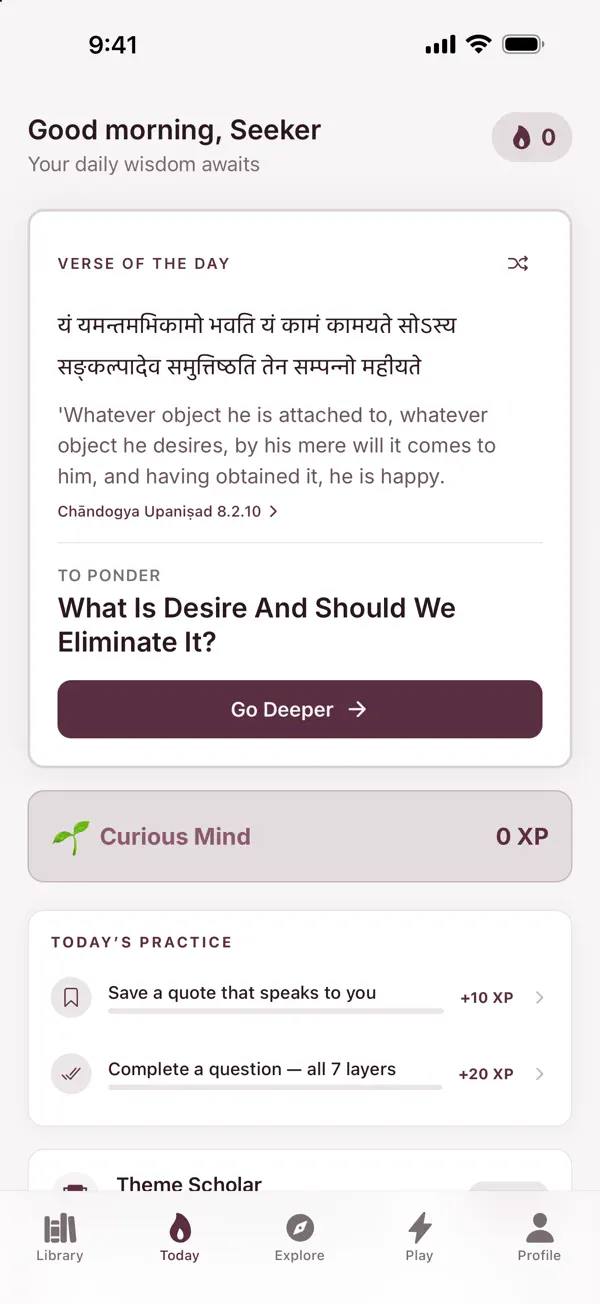
Tattvam presents 50 enduring questions through cited passages, editorial summaries and contrasting philosophical traditions. Each question is set out in seven sections, so you can read the evidence, see the context, compare the disagreements and form your own view.
What’s inside
-
Seven sections for each question
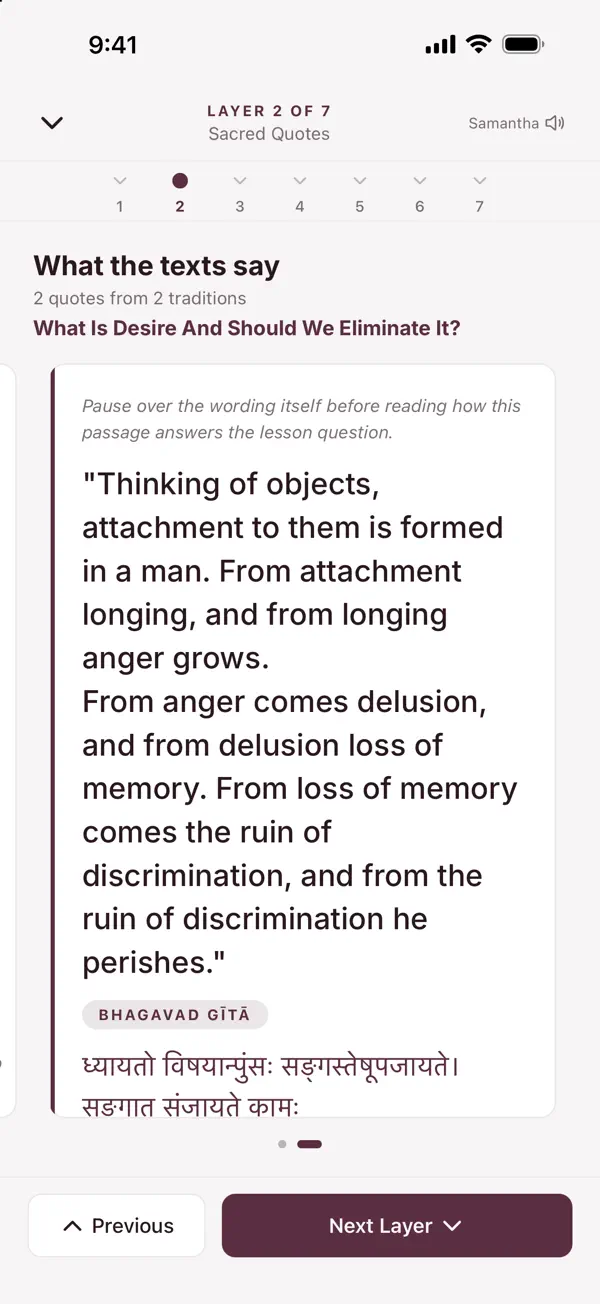
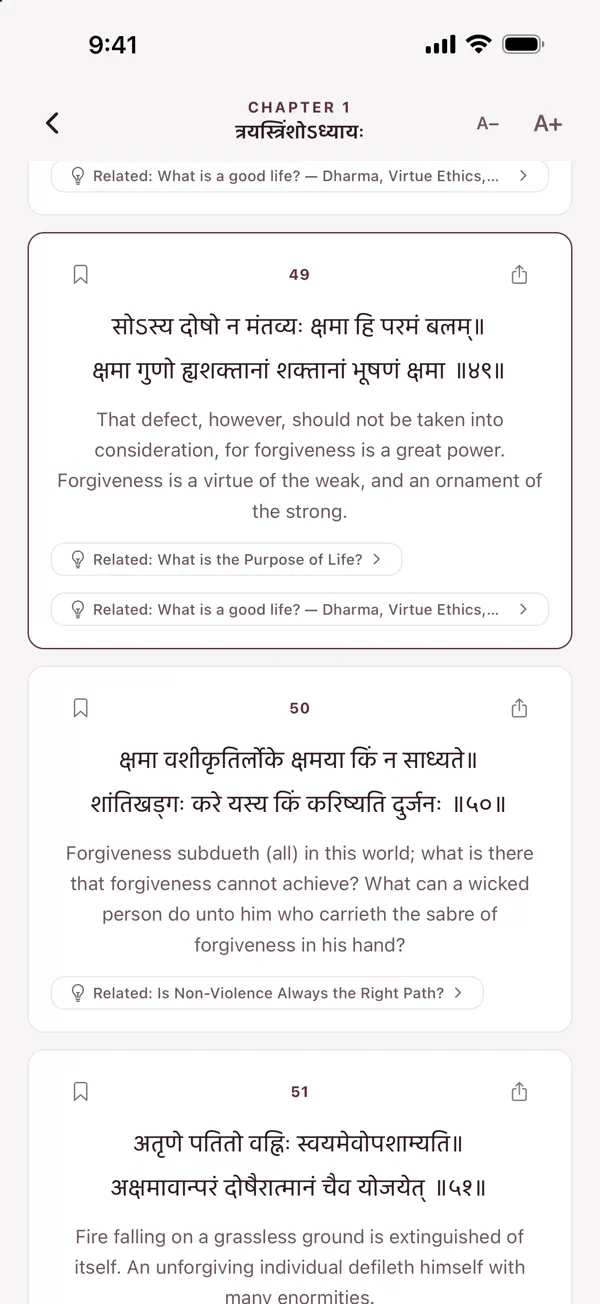
An introduction, source excerpts with citations and original scripts where available, key terms, historical and philosophical context, comparisons across traditions, tensions and disagreements, and a private reflection prompt.
-
A library of source editions
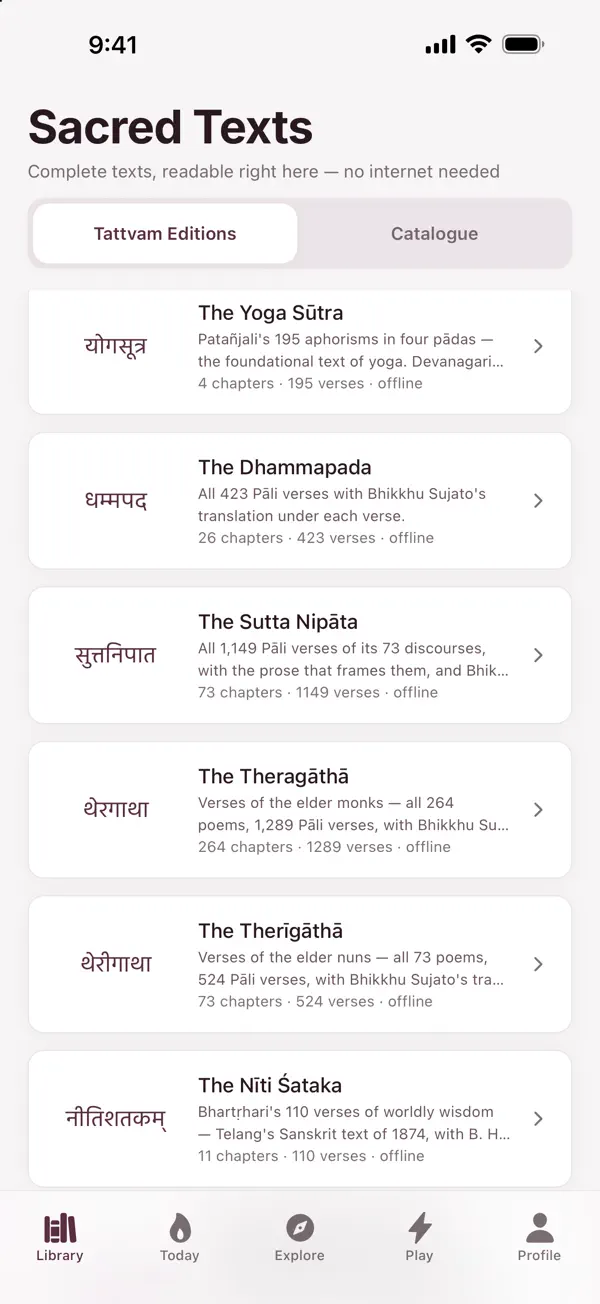
Twenty-two source editions come with the app, to browse and read. Six of them also carry a Hindi translation.
-
Bookmarks and a private journal
Save the passages you want to come back to and write your own reflections. Both stay on your iPhone.
-
Timed quizzes
Test your recall of what you have read.
-
Streaks and collections
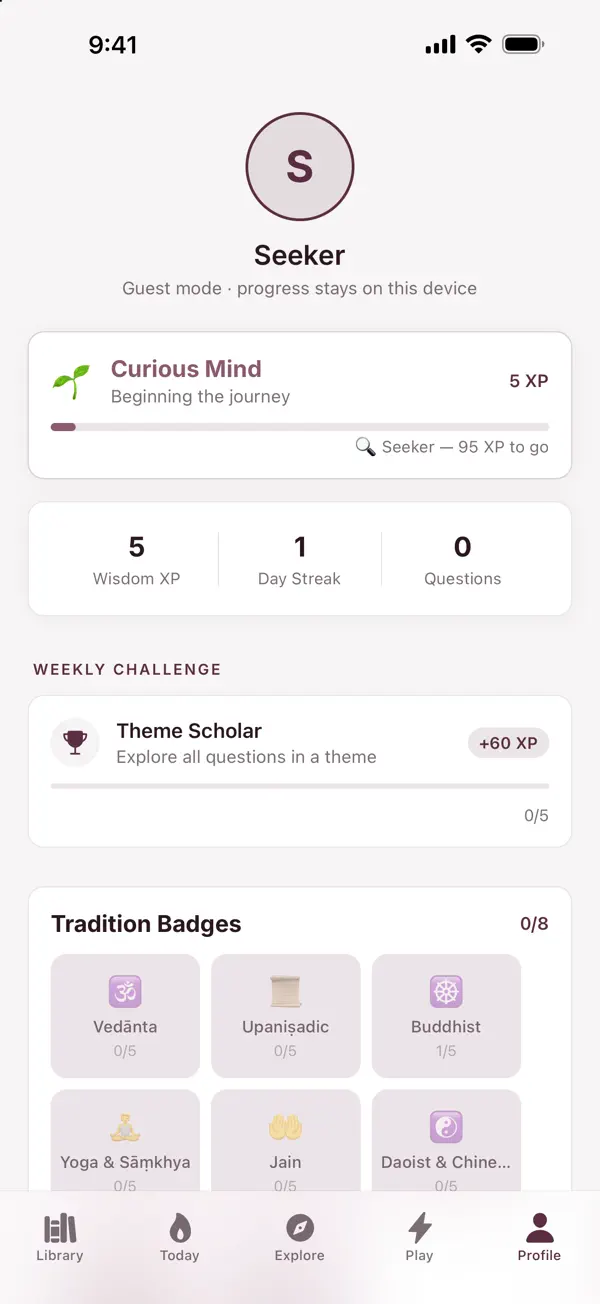
Build reading streaks, Wisdom XP, badges and quote collections.
-
Share a passage
Share a question or passage as an image card, sized for a Story or a post.
Private by design
A plain summary. The privacy policy is the full account.
- No account needed
- Reading, lessons, quizzes, progress and your journal all work as a guest, and keep working offline once the app is installed. As a guest, nothing you do is sent to a server.
- Sign in with Apple, only if you want to
- Signing in adds the weekly leaderboard and community reflections. Tattvam has no password system of its own.
- Your journal stays on your iPhone
- Journal entries, bookmarks, saved quotes and lesson progress stay on the device, signed in or not. They do not sync to another device.
- What an account stores
- The account identifier Apple passes on, a display name (from Apple, or “Seeker”), the themes you chose, your XP and streak counts, and any community reflection or report you choose to send. Other readers can’t see who wrote a reflection.
- No ads, analytics or tracking
- There is no advertising and no analytics or tracking SDK, nothing tracks you across other apps or websites, and your data is not sold.
- Local notifications only
- Reminders are scheduled on your iPhone. There is no push server and no push token is collected.
Documents
- Privacy policy What Tattvam collects, where it lives, and your rights. Last updated 11 October 2026
- Terms of service The terms for using Tattvam. Last updated 19 November 2026
- Delete your data Erase what is on your iPhone, or delete your account. On this page
- Support How to reach us, and answers to common questions. On this page
Delete your data
If you signed in with Apple
- Open Profile → Account → Delete Account.
- Confirm with Apple when asked. Closing the Apple sheet cancels the deletion.
- Tattvam revokes its Sign in with Apple authorisation, deletes your account and its server data (profile, community reflections, reports and blocks), and erases the data on your iPhone.
If Apple’s service can’t be reached, your account and data are still deleted. You can then remove the remaining authorisation yourself in Settings → Apple Account → Sign in with Apple.
If you use Tattvam as a guest
- Open Profile → Account → Erase Local Data.
As a guest, nothing of yours is held on a server, so this removes all of it.
Before you delete
Profile → Export My Data exports everything at any time. Deleting the app also removes its data from your iPhone, but sign-in tokens are kept in the iOS Keychain and can survive a reinstall, so sign out first if you want them cleared.
Support
For questions, problems or privacy requests, email ateeshay.jain@gmail.com.
Do I need an account?
No. Everything except the weekly leaderboard and community reflections works without one.
Does it work offline?
Yes. Reading, lessons, your journal, progress and quizzes work offline once the app is installed. Community reflections need a connection.
Will my journal move to a new iPhone?
No. Tattvam does not sync between devices, with or without an account, so installing it on a second device starts fresh. Use Profile → Export My Data to keep a copy.
Is it in Hindi?
The app’s controls are in English and Hindi. Lessons and editorial content are in English. Six of the books also carry a Hindi translation, and source texts may appear in Sanskrit, Pali, Prakrit or Tamil.
Does it cost anything?
No. Every feature is free. There are no in-app purchases, subscriptions or ads.