
“Maine advance diya tha na?” Never have that argument again.
If your home runs on a cook, maid, driver or doodhwala, you already keep the hisaab: in your head, on a fridge note, or in messages to yourself. Aangan writes it down properly, so month-end becomes a clear record instead of a negotiation.
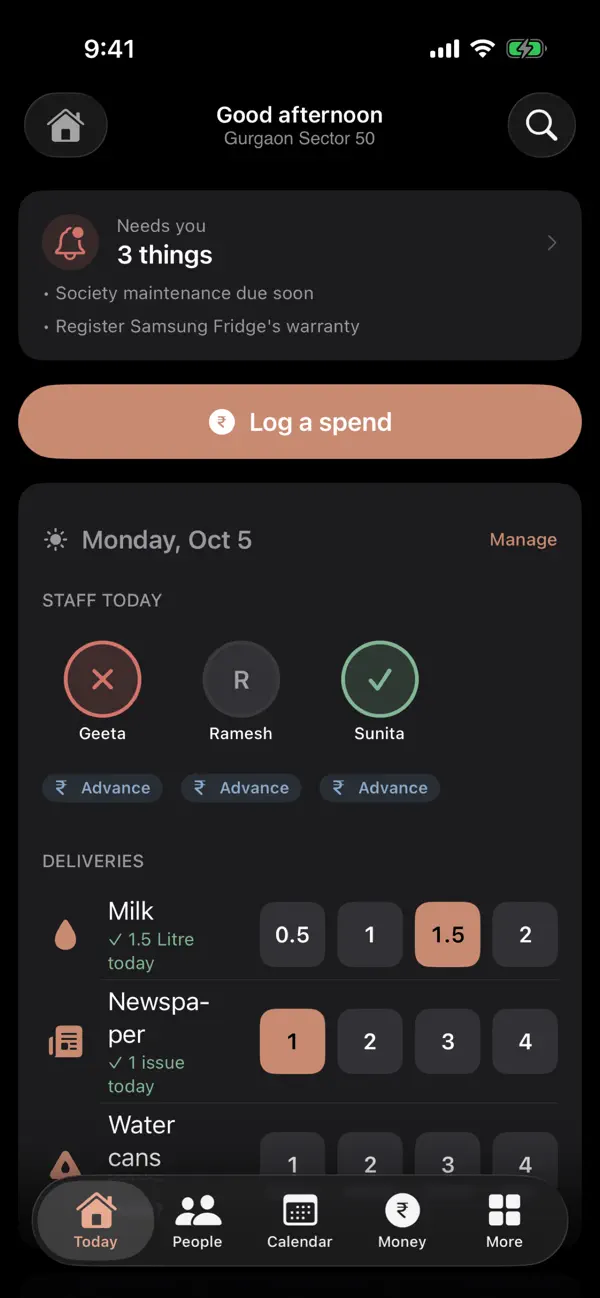
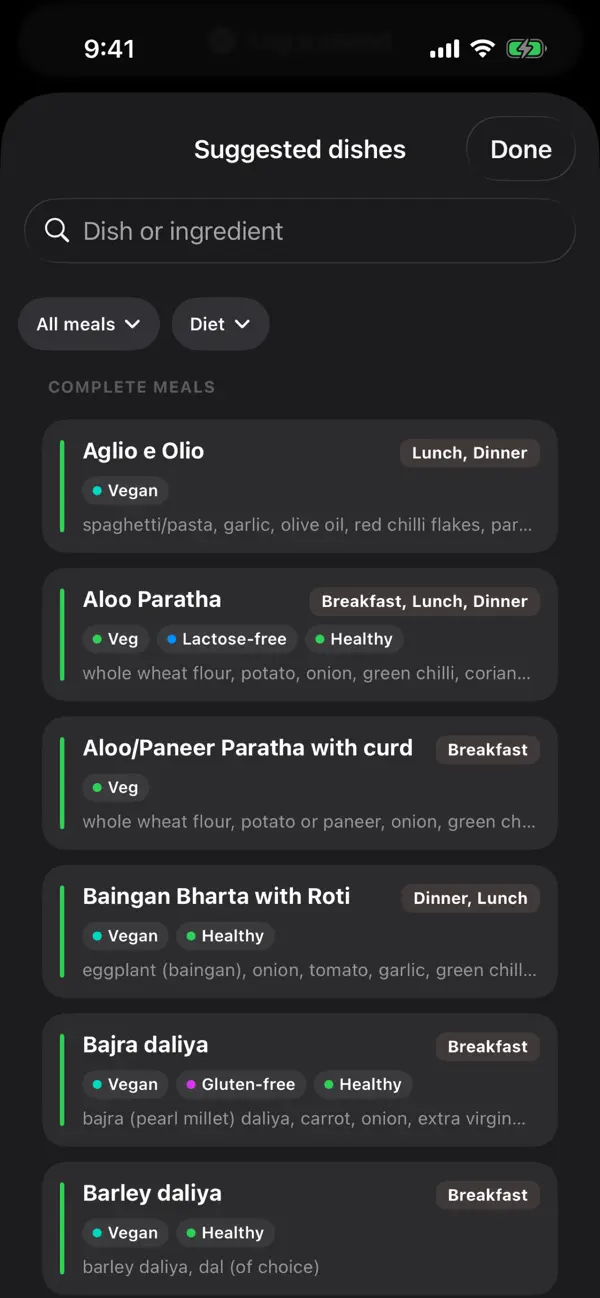
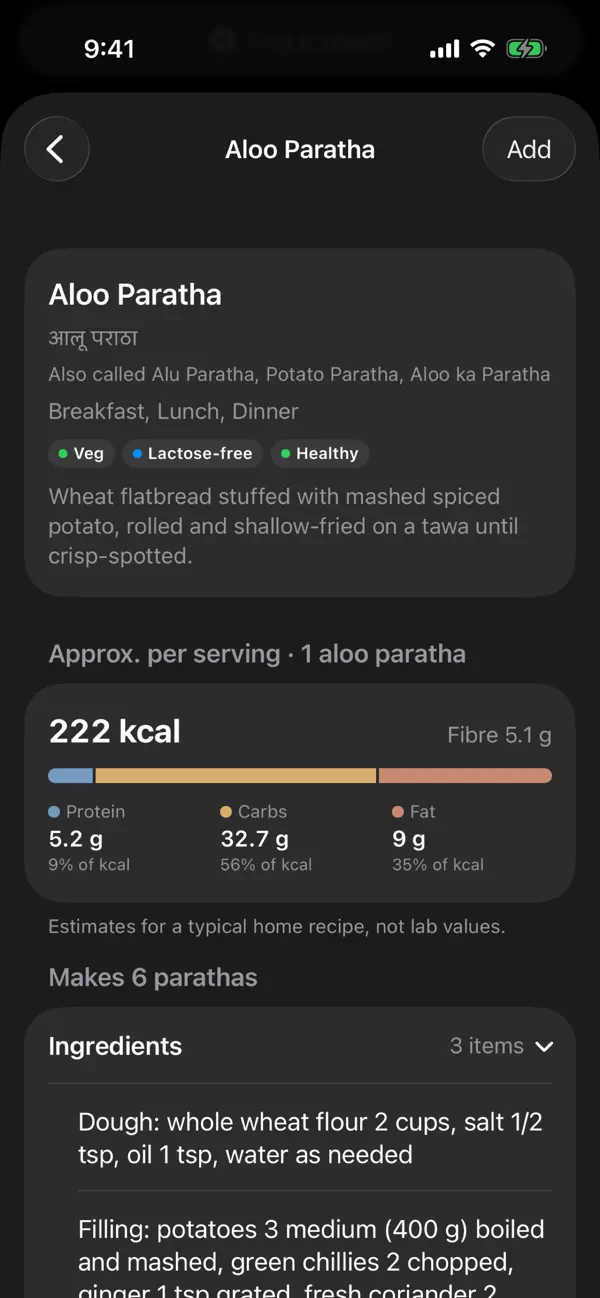
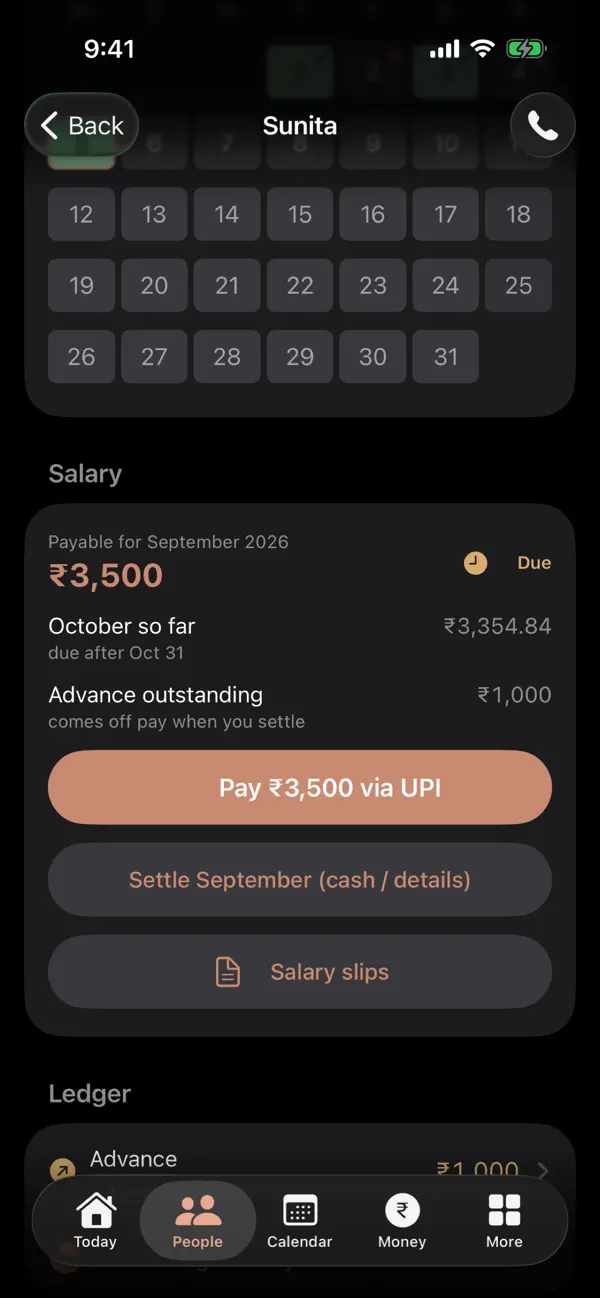
What it does
-
Attendance and salary
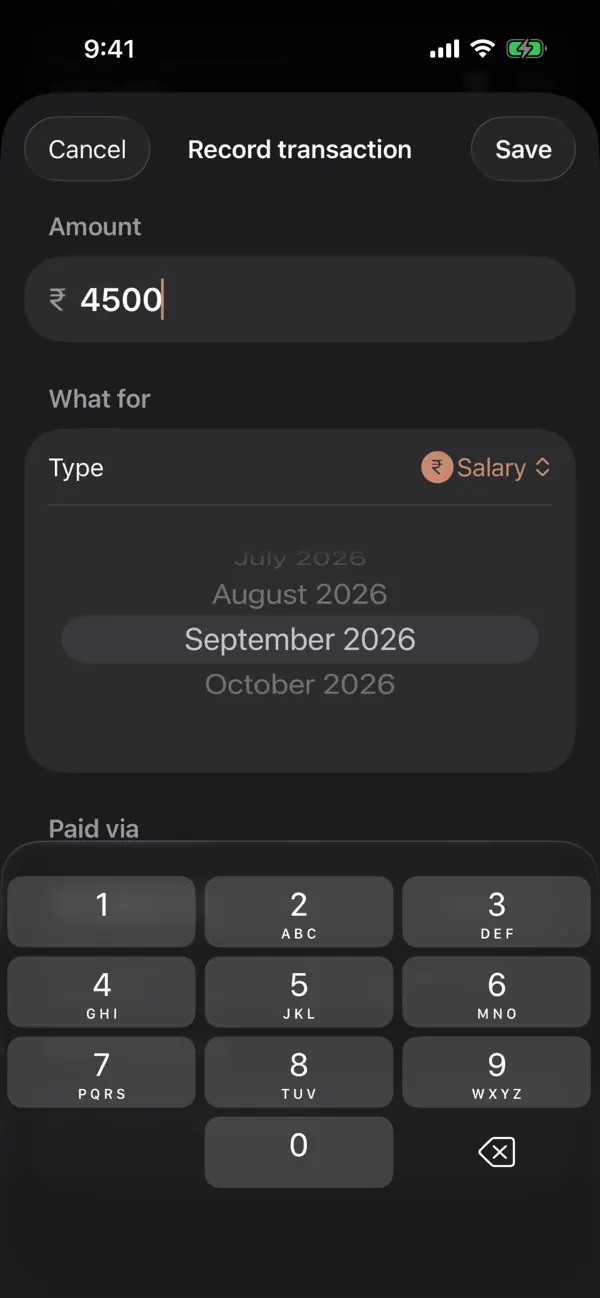
Mark attendance in one tap. Record advances when cash leaves your hand. Settle salary from what actually happened, then make a bilingual slip you can keep or share.
-
Every rupee in one view
Bills, subscriptions, salaries, deliveries and daily spending together, with categories, trends and a monthly summary.
-
The paperwork
Scan receipts and documents, lock sensitive records with Face ID, track warranties and expiries, and, if you like, send due dates to a separate Aangan calendar.
-
Counters and reminders
Milk and newspaper counters, recurring services, errands, groceries, meals, contacts and household handoffs. Aangan reminds you when something is due and otherwise stays quiet.
-
One home, shared
Invite family to a home through iCloud, so everyone works from the same records.
-
Made for India
₹1,00,000 formatting, IST calendars, hisaab-style ledgers, Hinglish search, Panchang, and hand-off to the UPI apps on your iPhone.
Private by design
A plain summary. The privacy policy is the full account.
- No account
- There is nothing to sign up for and nothing to sign in to.
- No Aangan servers
- Aangan has no server of its own. Your household records, photos and documents are never sent to us.
- Private iCloud sync, which you can pause
- Records live on your iPhone and, when iCloud is available, sync through your own private iCloud. Sync is on by default; pause or resume it in More → Settings → iCloud sync.
- “Data Not Collected”
- That is Aangan’s App Store privacy label. There are no ads, no analytics, no crash reporting and no tracking across apps or websites.
- UPI hand-off only
- Aangan can open a UPI app on your iPhone when you tap to pay, but Aangan never moves money. Recording a payment in Aangan is a record, not a transfer.
Documents
- Privacy policy What Aangan stores, where it lives, and what we never receive. Effective 20 November 2026
- Terms of service The terms for using Aangan. Last updated 20 November 2026
- Accessibility What is supported today, what is not yet, and how to tell us. Last updated 22 August 2026
- Delete your data Delete a home, or erase everything on this iPhone. On this page
- Support How to reach us, and answers to common questions. On this page
Delete your data
Delete a home
- Open the home switcher and choose Manage homes.
- Delete the home.
Its records, and the attachments they point to, are removed from this iPhone, and the deletion is sent through that home’s iCloud sync. If someone else shared the home with you, choose Leave this home instead: it removes you without deleting the owner’s records.
Erase everything on this iPhone
- Open More → Settings.
- Choose Erase all data on this device and confirm.
This removes Aangan’s local databases, Lists, attachments, settings, reminders and the calendar entries it made. It does not delete other family phones or your iCloud copy, and signing back in to iCloud may download synced data again.
Your iCloud copy
Deleting the app removes what is on this iPhone, but not by itself what is already in iCloud or in copies you exported. We cannot reach your private iCloud, so use Aangan’s home deletion and Apple’s iCloud controls.
Before you delete
More → Settings → Export household data makes a portable archive that you choose where to save.
Support
For questions, problems or privacy requests, email ateeshay.jain@gmail.com. If something is hard to use with VoiceOver or another assistive feature, say which screen and which feature; the accessibility statement lists what is known.
Do I need an account?
No. Aangan works on your iPhone and, if you use iCloud, through your own Apple account. There is no sign-up.
Can my family use the same home?
Yes, by sharing the home through iCloud. Everyone you invite is a co-owner: they can read and change everything in it, including documents, photos and scans, and a copy is kept on their iPhone. There are no read-only roles, so invite only people you trust.
Does Aangan pay my staff?
No. It can hand off to a UPI app installed on your iPhone, and you pay there. Recording a cash, card or UPI payment in Aangan does not move money.
Can I turn off iCloud sync?
Yes. More → Settings → iCloud sync pauses and resumes it.
Is there an iPad version?
No. Aangan is for iPhone only.
Does it cost anything?
No. Aangan is free and has no in-app purchases.